
Whitebox
A free, open-source cleaner and performance toolkit for Windows.
Clean junk, find what’s eating your disk, tame startup apps and keep an eye on your PC, in one fast, native app. No ads, no accounts, no telemetry.
What it does
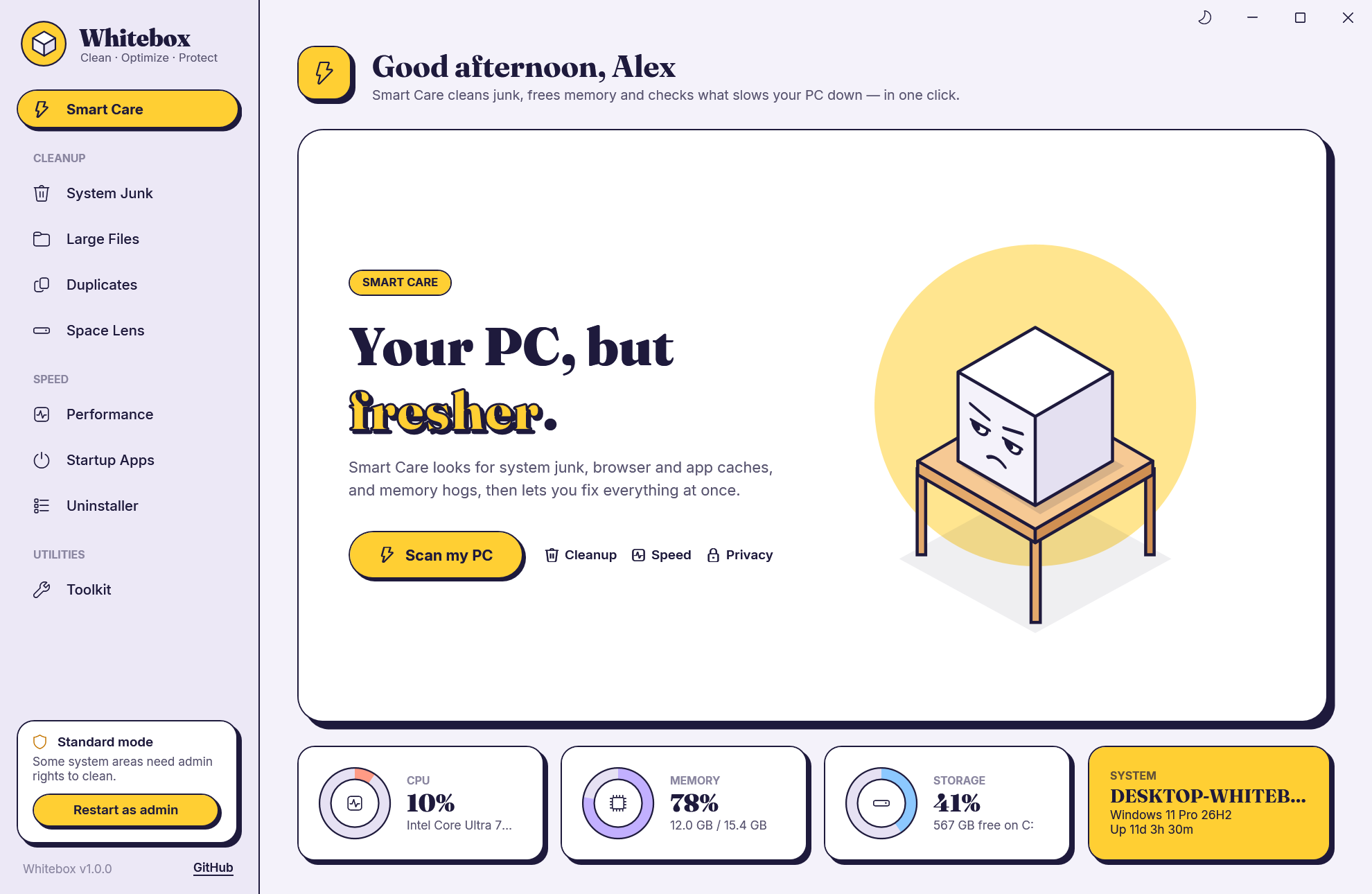
- Smart Care
- One click to scan, then clean junk and free up memory. Live CPU, memory, disk and system tiles.
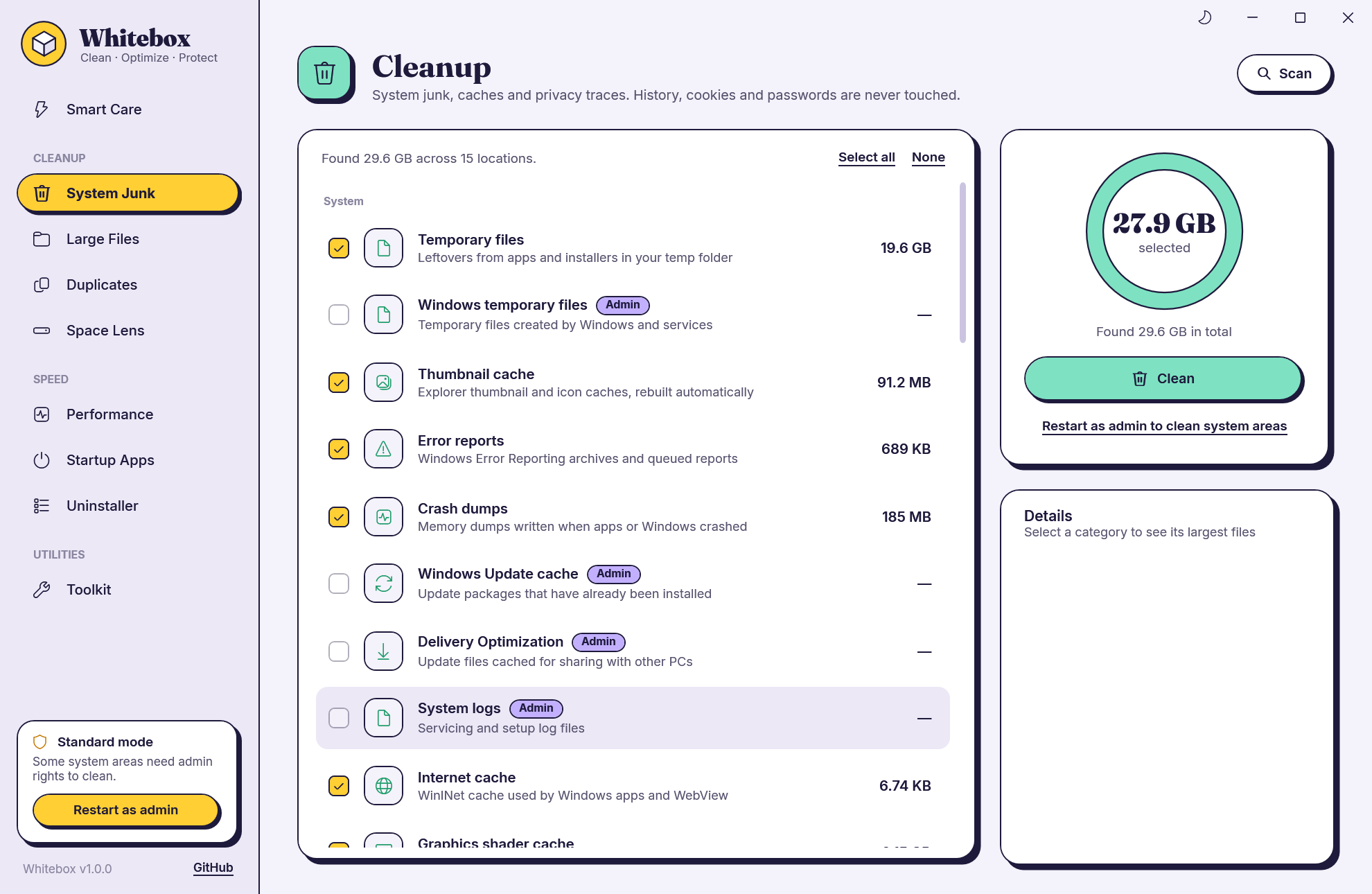
- System Junk
- About 30 locations: temp files, update caches, crash dumps, browser, app and developer caches.
- Large Files
- Scans a whole drive in parallel. Filter by videos, disk images, installers, archives.
- Duplicates
- Byte-for-byte identical files, verified with SHA-256. Auto-select keeps the oldest copy.
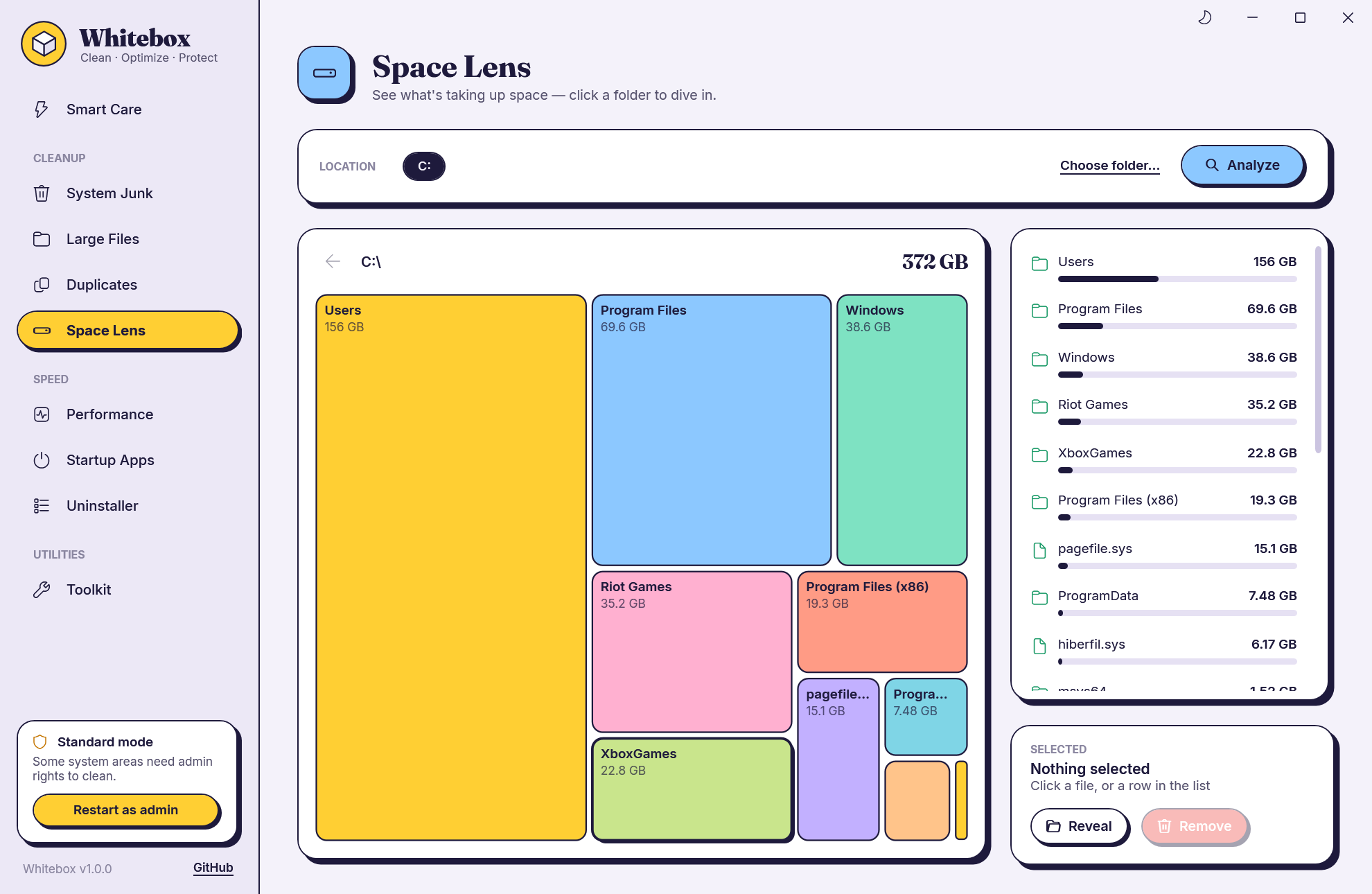
- Space Lens
- An interactive map of your drive, every folder sized by the space it takes.
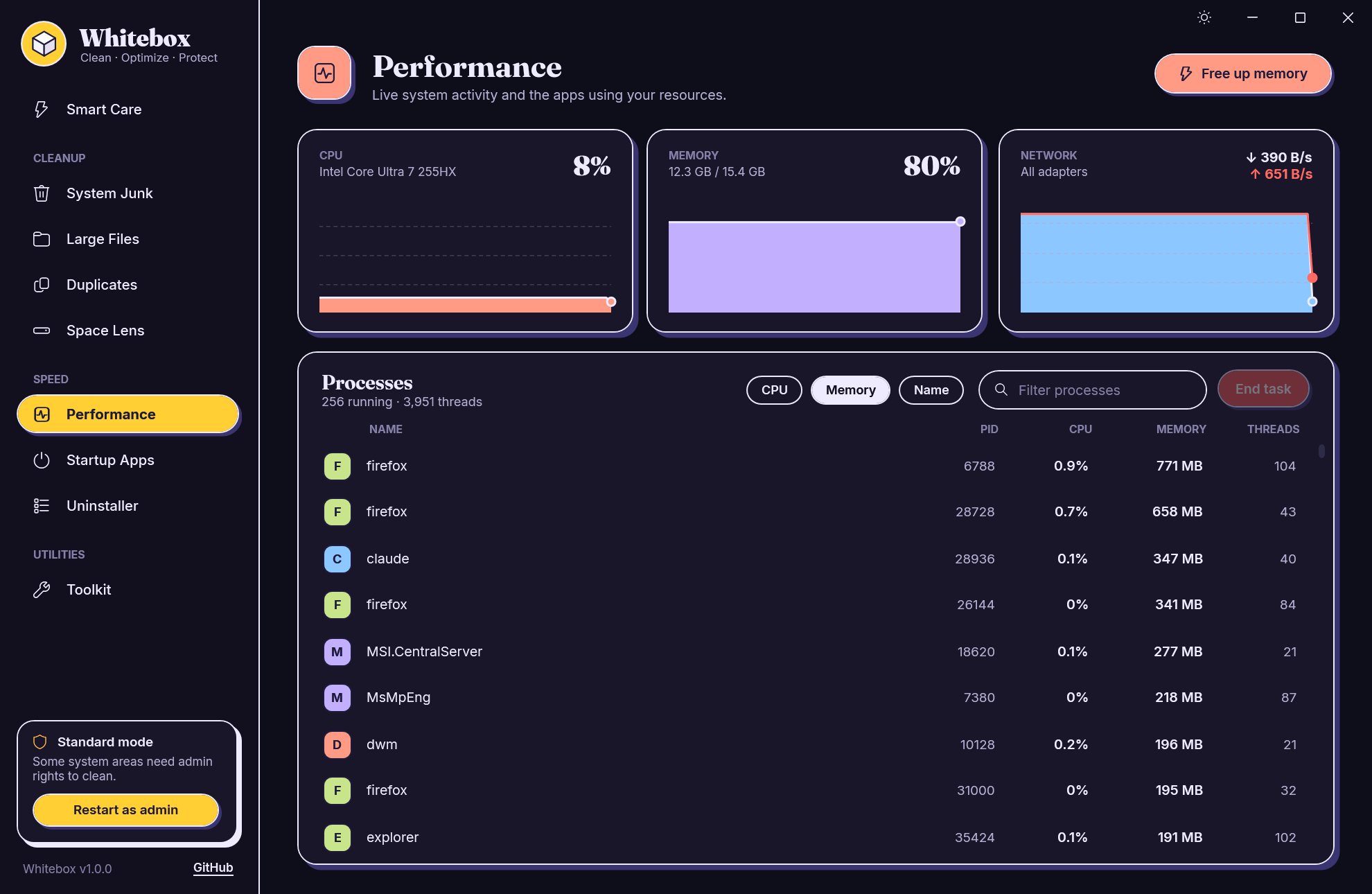
- Performance
- Live CPU, memory and network charts, a process list, end task, free up memory.
- Startup Apps
- Turn apps that launch at sign-in on or off, with the same switch Task Manager uses.
- Uninstaller
- Every installed app with icon, size and date. Removes leftover folders afterwards.
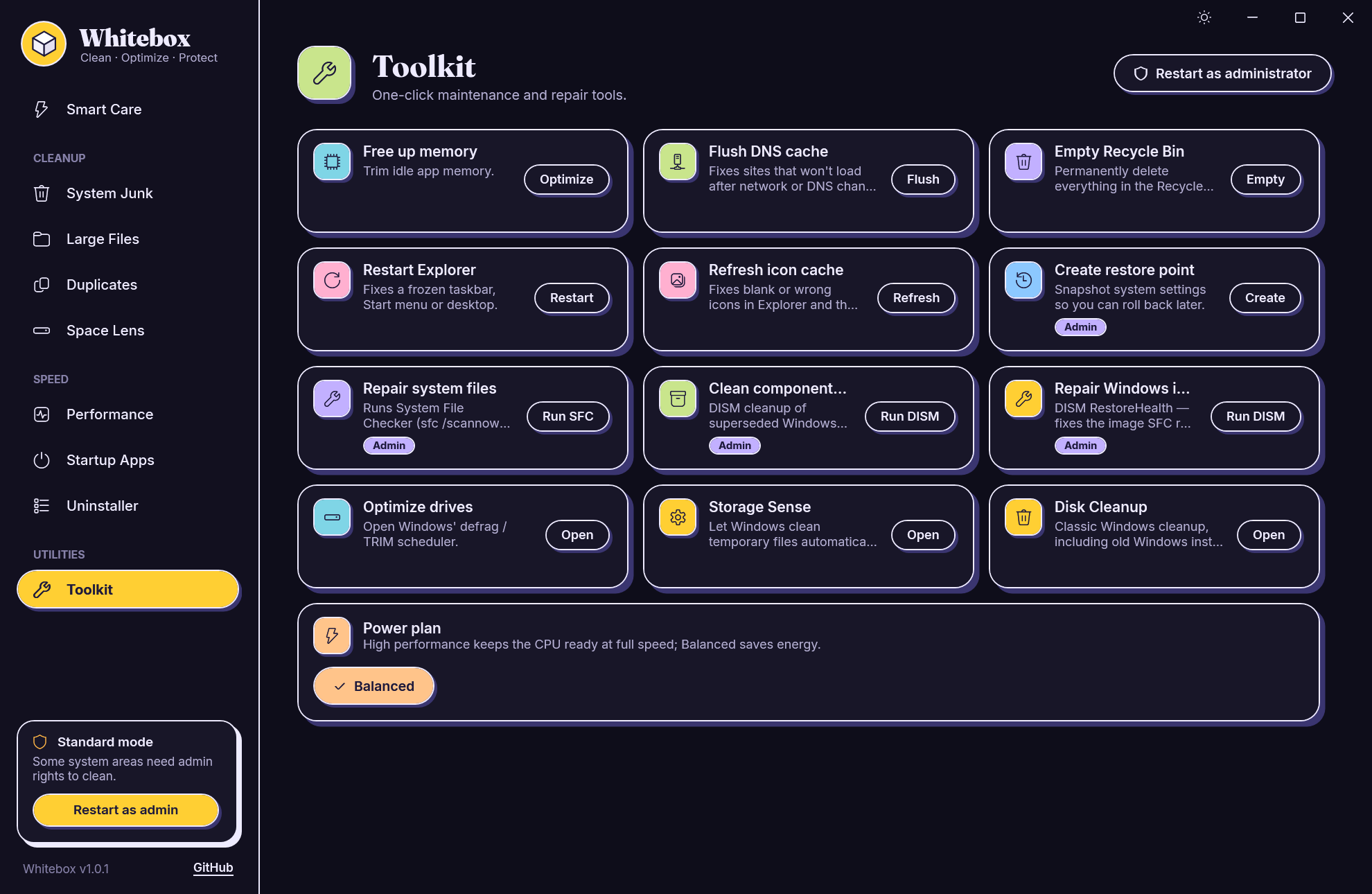
- Toolkit
- Flush DNS, restart Explorer, refresh the icon cache, create a restore point, SFC, DISM, power plans.
- Light and dark
- Follows your Windows theme, or flip it from the title bar. Updates itself in one click.
Screens
Is it safe?
Whitebox is built to be conservative.
- Browser history, cookies and saved passwords are never touched, only caches that browsers rebuild themselves.
- Temp files changed in the last two hours are left alone, so running installers don’t break.
- Files in use are skipped, and an app’s cache is skipped entirely while that app is running.
- Large files, duplicates and Space Lens items go to the Recycle Bin, so you can restore them.
- Every action that removes something asks you first.
- Everything runs locally. The only network call is the daily update check, which sends nothing about you or your PC.
Install
- Download the installer above.
- Run it. Whitebox installs for your account, no admin rights needed, and shows up in the Start menu and in Settings → Apps.
- That’s it. It checks for a new version once a day and asks before updating.
“Windows protected your PC”? Whitebox isn’t code-signed yet, so SmartScreen warns about new downloads. Click More info → Run anyway. Every release publishes SHA-256 checksums you can check the file against.
Tech specs
- Version
- 1.0.1
- Updated
- October 26, 2026
- Platform
- Windows 10 and 11, x64
- Stack
- C#, WPF, .NET 10
- Price
- Free
- Telemetry
- None
- License
- MIT
- Released
- October 2026